It follows up.
You move forward.
From incoming field reports to checked documents and approved records. Sanshy follows up with officers, brings complete reports to your chat, and updates FieldOps after approval.
Watch the workflowFrom field report to approved record.
Watch Sanshy check attachments, request missing documents on WhatsApp, revalidate an officer’s reply, and save approved reports to FieldOps.
Check today’s field reports for Xyz Company. If documents are missing, ask the officers directly. Let me know when the reports are ready for approval.
Every report.
Every attachment.
Sanshy checks eight reports for Xyz Company, including incident forms, site photos, signed statements, and matching references, dates, and officer details.
Six reports are complete. Adi’s report is missing a signed statement; Rina’s location photo is unreadable. Sanshy identifies what each officer needs to provide.
Missing something?
Sanshy asks directly.
Sanshy asks Adi for the missing signed statement and Rina for a clearer location photo. Each message includes the specific report reference and document needed.
Adi replies with the statement for RPT-0185. Sanshy validates the replacement and marks his report complete. RPT-0186 stays pending while Rina’s clearer photo is awaited.
RPT-0185 is missing the signed statement. Please send a clear photo or PDF.
Seven ready.
Your approval next.
Seven reports are complete and consistent. Sanshy returns to the chat with the report list and asks for your approval. The eighth report is not included.
After you approve, Sanshy saves the seven reports to the FieldOps dashboard and sends WhatsApp confirmations to their officers. Rina’s report remains pending.
New document?
Already checking.
Sanshy keeps monitoring new reports and officer replies. A new report or attachment in FieldOps or WhatsApp triggers another validation.
You can leave the chat. Sanshy returns when another complete report is ready for your review, keeping incomplete reports separate.
Monitoring new reports
New report or attachment received
See what else Sanshy can do.
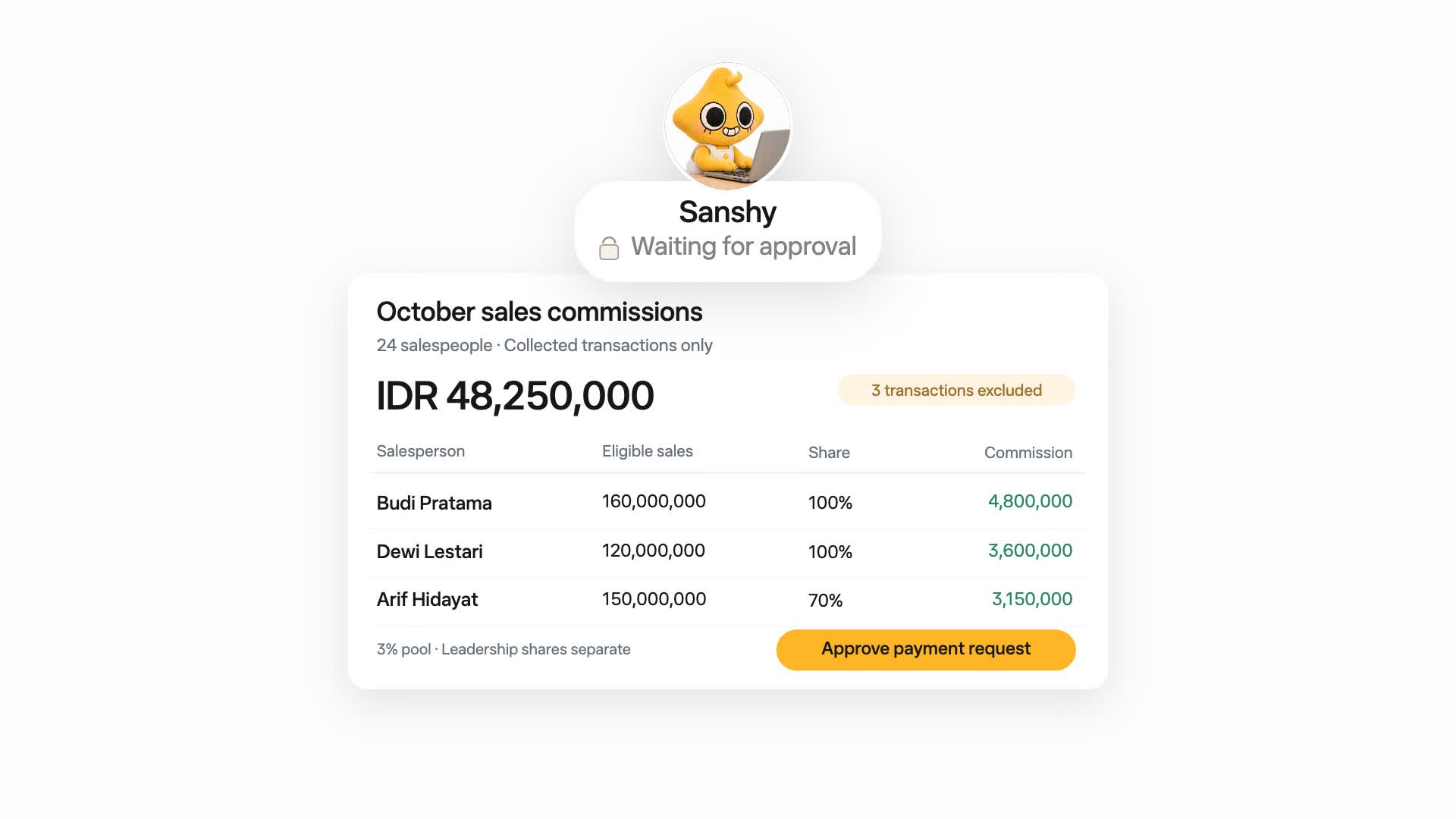
SAP Sales Commissions
From collected sales to an approved commission report. Sanshy works with the company rules and allocation shares already in SAP ERP.
Explore the workflow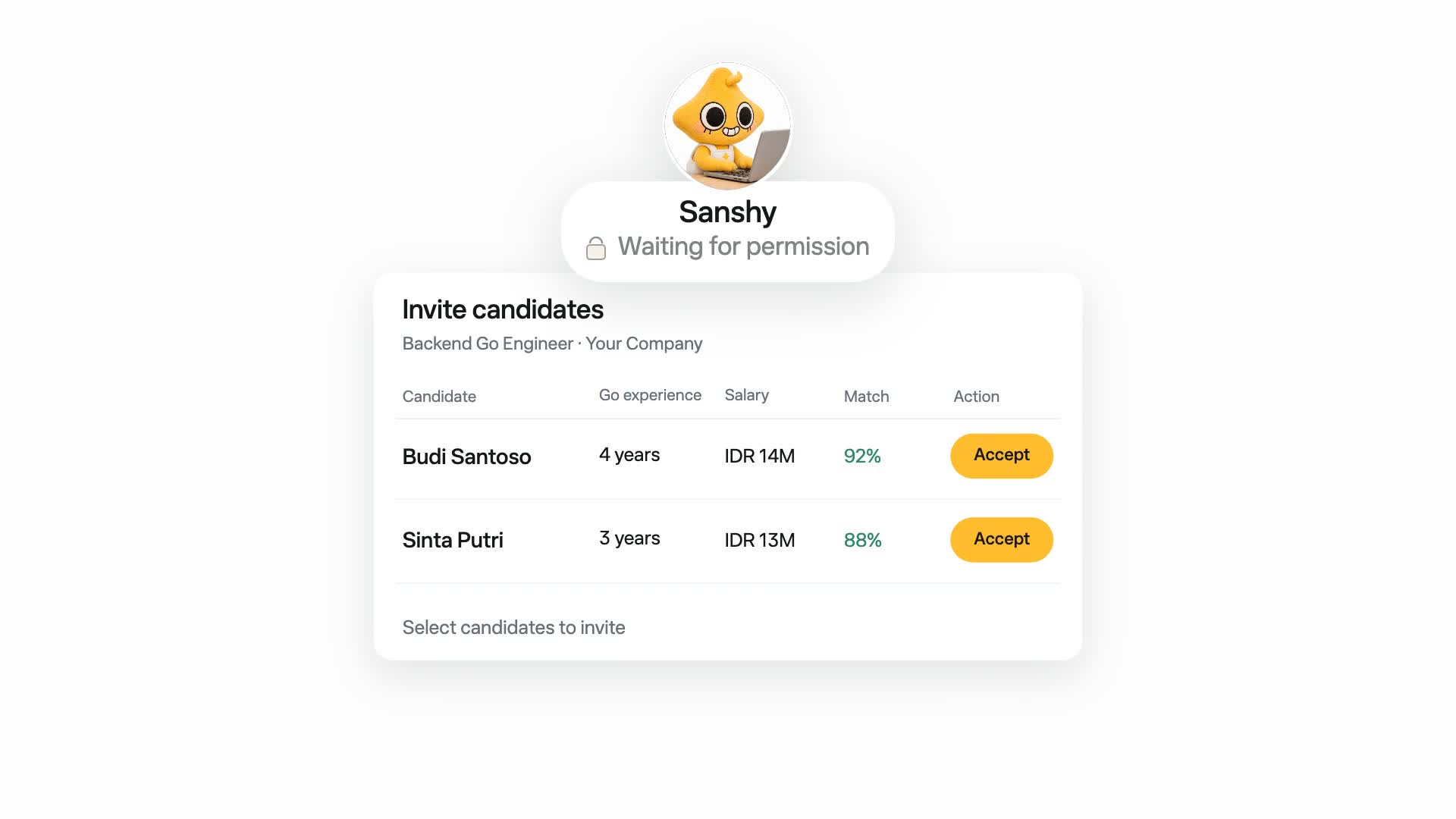
Hiring Go Engineer
Tell Sanshy who you need. It creates the application form, publishes the role, screens applicants, and brings a shortlist back to your chat.
Explore the workflowYour workflow could be next.
Tell us how your team works. We’ll map the steps with you.
Discuss your workflow